The Red Background Dialogue CapCut Template 2026 is becoming a popular choice for people who love creating dramatic and dialogue-based videos for social media. You may have recently seen trending videos where a person’s photo appears against a bold red background while a powerful dialogue and matching audio play in the background.
These edits look cinematic and eye-catching, but the good news is that you do not need advanced video editing skills to create them. With the right image and a suitable Red Background Dialogue Template, you can transform an ordinary photo into a stylish dialogue video in just a few simple steps.
The complete process has two main parts. First, you need to create a photo with the desired red background. Second, you use a CapCut template to convert that image into a video with dialogue, effects, and music. In this guide, Sonu Editor explains the entire process in simple, human-readable steps.
Process of This Editing
Creating a trending dialogue video may look difficult at first, but the actual editing process is quite simple. The first step is image creation. You need to take a clear reference photo and use an AI image-generation tool to create a version with a solid or cinematic red background.
For the best result, use a photo in which your face is clearly visible. A half-body or upper-body image usually works well because it gives the AI enough facial detail while maintaining a suitable composition for video editing.
The second step is to turn that image into a video. This is where the Red Background Dialogue CapCut Template 2026 becomes useful. Instead of manually adding transitions, dialogue timing, zoom effects, and audio, you can use a ready-made template. Simply upload your generated image, and the template automatically applies the required effects.
This method makes Dialogue Video Editing easier for beginners and saves a significant amount of editing time.
How to Create a Red Background Image
Before using the video template, you need to prepare the right image. This is one of the most important parts of the editing process because the quality of your original image can affect the final video.
Use the uploaded photo as the ONLY identity and facial reference. Preserve my exact face, facial structure, skin tone, hairstyle, eyes, nose, lips, jawline and natural facial features. Do NOT change or beautify my face. My face must be clearly visible and sharply detailed. Create an ultra-realistic cinematic luxury fashion portrait inspired by the reference composition.

Composition:

Vertical 9:16 portrait, full-body seated composition. I am sitting confidently and casually on a modern chrome-and-black luxury chair, leaning slightly backward in a relaxed pose. One arm rests naturally on the chair armrest and the other hand rests near my thigh. Legs positioned naturally with a stylish editorial pose.

Outfit:

Elegant all-black outfit, black shirt with a slightly open collar, black trousers, premium fitted black blazer/jacket. Sophisticated masculine luxury fashion look. No visible logos or branding.

Face:

My face must be completely uncovered and clearly visible. NO blindfold, NO sunglasses, NO cloth, NO hair covering the eyes. Both eyes must be clearly visible and looking naturally toward the camera. Sharp facial details, realistic skin texture, natural pores, authentic expression, realistic eyes and natural hair. Do not alter my identity.

Background & Lighting:

Deep dark crimson/red studio background with subtle gradients and cinematic shadows. Dramatic red ambient lighting from the background combined with soft directional key light illuminating my face. Strong contrast between the black outfit and red background. Premium editorial fashion

photography aesthetic.

Style:

Ultra-realistic professional DSLR photography, cinematic lighting, high-end fashion magazine photoshoot, realistic skin texture, natural shadows, detailed clothing fabric, realistic hands and fingers, sharp focus on face, subtle depth of field, premium color grading, dramatic but natural atmosphere, photorealistic, 8K detail.
How to Use Red Background Dialogue CapCut Template
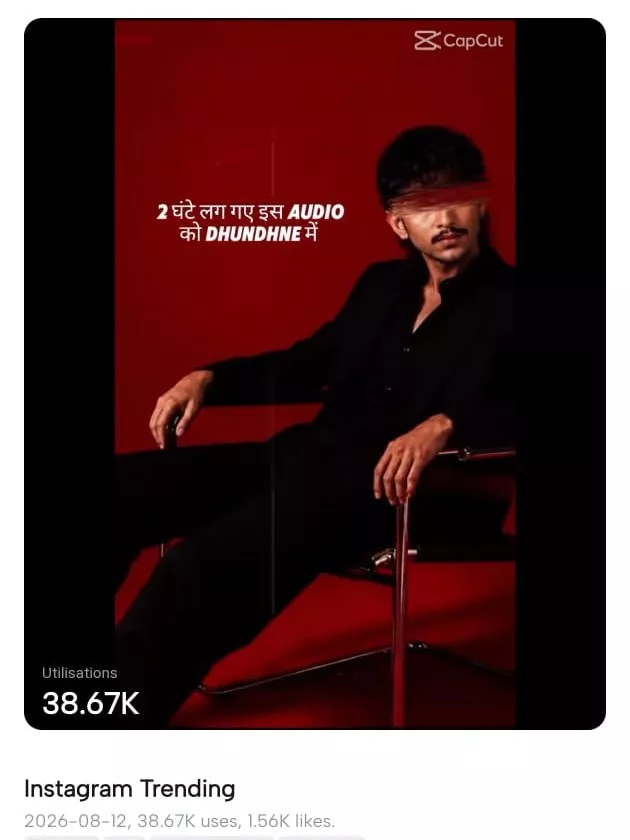
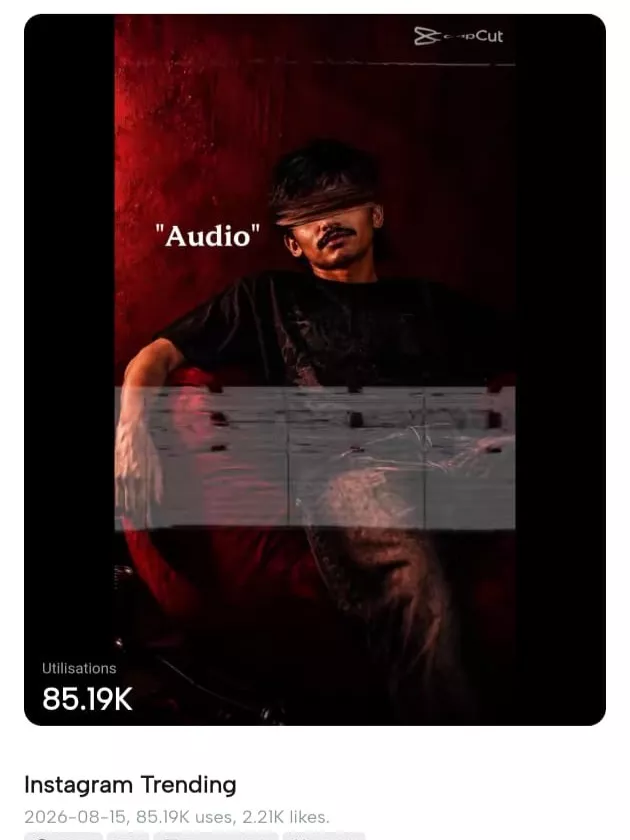
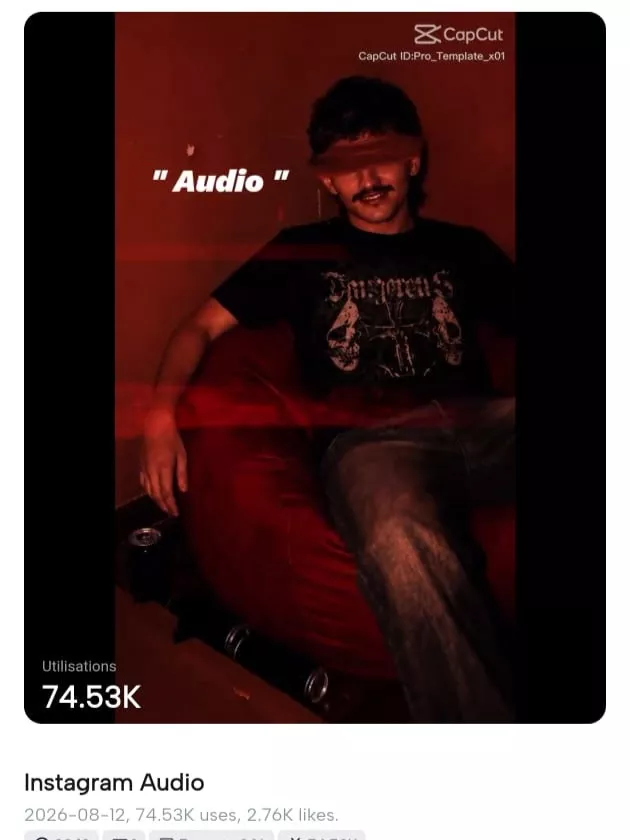
Now that your red background image is ready, it is time to convert it into a video. The easiest method is to use one of the Trending CapCut Templates 2026 designed for dialogue edits.
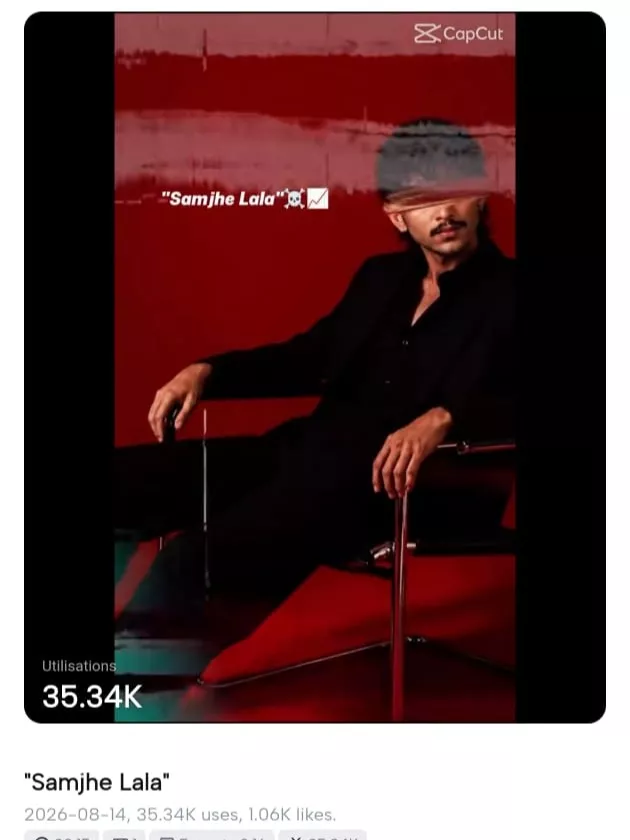
Open CapCut and go to the Templates section. Search for the dialogue or template name you want to use. For example, you can search for “Samjhe Lal” to explore templates associated with this style of dialogue editing.
You may find several different versions with unique transitions, zoom effects, text styles, and audio timing. Preview a few options and select the one that best matches your image.
After choosing a template, tap the option to use the template and upload the red background image you created earlier. CapCut will automatically place the image into the selected sequence and apply the effects according to the template design.
Preview the video before exporting it. Check whether your face is properly visible and whether the image timing matches the dialogue. If everything looks good, export the final video in high quality and share it on your preferred social media platform.
This simple workflow is why the Samjhe Lal CapCut Template and similar dialogue templates are popular among creators. You can achieve a professional-looking result without spending hours learning complicated editing techniques.
Tips for Better Dialogue Video Editing
To make your final video more attractive, start with a high-quality reference image. Avoid photos that are blurry, too dark, or heavily filtered. A clear image helps maintain better detail throughout the editing process.
Also, choose a template that matches the mood of your photo. Some dialogue templates are designed for attitude videos, while others work better for emotional, romantic, or dramatic content.
Do not overcrowd your video with additional effects after using a template. One reason these Trending CapCut Templates 2026 perform well is that they already include synchronized effects and audio. Keeping the edit clean can often produce a better final result.
For more editing guides and trending content ideas, Sonu Editor can help you discover new styles and easy methods for creating engaging videos.
Conclusion
The Red Background Dialogue CapCut Template 2026 offers a simple way to create stylish and trending dialogue videos from a single photo. The process mainly involves creating a suitable red background image and then using a ready-made CapCut template to transform it into a complete video.
You do not need to be an expert editor to try this style. Use a clear reference photo, create the red background image carefully, select a suitable dialogue template, and preview the final result before exporting.
With a little experimentation, you can create attractive videos while learning more about modern Dialogue Video Editing techniques.