Instagram Reels continue to dominate social media, and every few weeks a new editing style captures everyone’s attention. One of the latest trends making waves is the Attitude Trend CapCut Template. This editing style has become incredibly popular because it combines a calm, emotional beginning with a bold cinematic transformation that instantly grabs viewers’ attention. Thousands of creators are using this trend to increase their reach, gain more followers, and make their content stand out from millions of other videos.
If you’ve been wondering how people create those stylish reels that suddenly switch from a romantic mood to a powerful attitude scene, you’ve come to the right place. In this complete guide, you’ll learn everything about the Attitude Trend CapCut Template, how it works, what you need before editing, and how you can create your own professional-looking reel in just a few minutes.
Whether you’re a beginner or an experienced content creator, this template makes editing incredibly simple. Here at Sonu Editor, we regularly share the latest editing tutorials and trending templates to help creators make high-quality content with minimal effort.
What is the Attitude Trend CapCut Template?
The Attitude Trend CapCut Template is a pre-designed editing template that automatically applies transitions, visual effects, music synchronization, and animations to your videos. Instead of spending hours editing manually, you simply upload your clips and let the template handle the entire editing process.
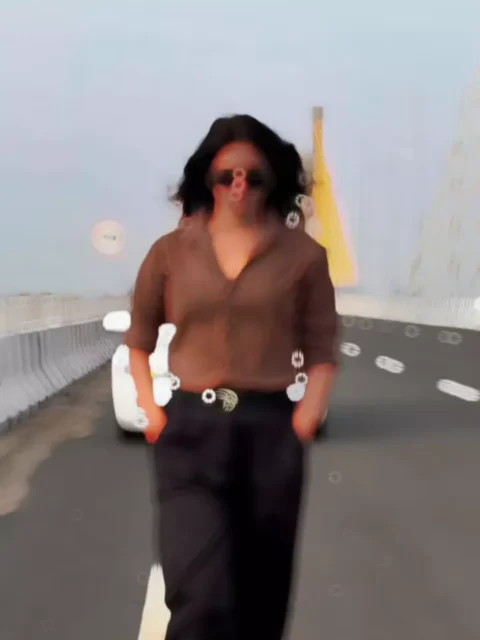
What makes this trend unique is its dramatic transformation. The video usually begins with a slow-paced, romantic atmosphere featuring soft colors and smooth motion. Just when viewers become comfortable with the scene, the music changes suddenly, creating an energetic attitude sequence filled with stylish effects, freeze frames, glitch animations, and cinematic transitions.
This unexpected shift keeps viewers engaged until the end, which is one of the main reasons why the trend has become so successful on Instagram Reels and other short-video platforms.
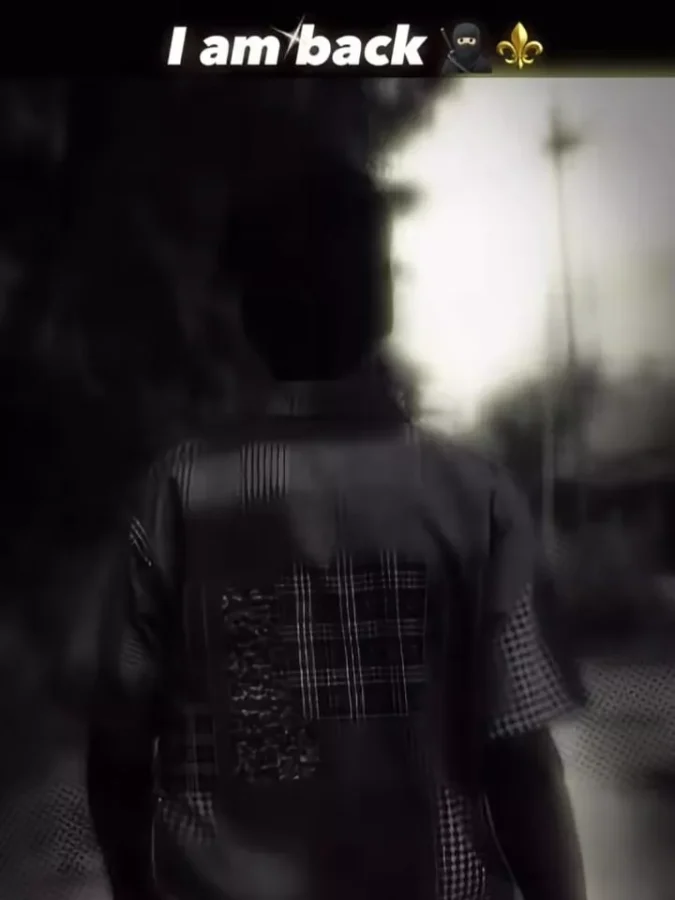
Note: Some CapCut templates may not be available in certain countries or regions due to restrictions imposed by CapCut. If the Use Template button doesn’t work, try opening the link directly in the latest version of the official CapCut app or try again later. Clicking the button will redirect you to the original CapCut template in a new tab. We are not affiliated with or endorsed by CapCut. All trademarks, templates, logos, and related content remain the property of their respective owners. We simply provide links to publicly available templates for informational and user convenience.
How to Use the Attitude Trend CapCut Template
Using the template is surprisingly easy, even if you’ve never edited a video before.
Simply follow these steps:
Step 1
Open the CapCut application on your smartphone.
Step 2
Search for the Attitude Trend CapCut Template, or use the direct template link shared in the article.
Step 3
Open the template preview to see how the finished edit will look.
Step 4
Tap the Use Template button.
Step 5
Upload your original video in the first placeholder.
Step 6
Upload the filtered screenshot in the second placeholder.
Step 7
Allow CapCut to process the clips automatically.
Step 8
Preview the final result.
Step 9
Export the video in HD quality.
Step 10
Upload your finished reel to Instagram with trending hashtags.
The entire editing process usually takes less than five minutes.
Why is This Template Going Viral?
Every viral editing trend has one thing in common—it immediately captures the viewer’s attention. The Attitude Trend CapCut Template achieves this perfectly through its powerful visual storytelling.
Some reasons behind its growing popularity include:
- Smooth cinematic transitions
- Eye-catching freeze-frame effects
- Perfect synchronization with trending music
- Stylish glitch animations
- Beginner-friendly editing process
- Professional results without advanced editing skills
Since the template automatically handles most of the editing, even first-time users can create videos that look professionally edited.
What You’ll Need Before Editing
One of the best things about this template is that it requires very little preparation.
Before you begin, make sure you have:
- One high-quality video clip
- A confident walking or attitude pose
- A clear final frame
- The latest version of CapCut
- An internet connection
Choose a video recorded in good lighting because higher-quality footage always produces better results. The final frame of your clip is especially important because you’ll use it to create the freeze-frame effect.
Creating the Freeze-Frame Image
The signature effect of this trend is the stylish freeze image that appears during the beat drop.
To create it:
- Play your original video.
- Pause at the final frame.
- Take a screenshot.
- Open Instagram or your favorite photo editing app.
- Apply the Lo-Fi Dusk filter or another cinematic filter.
- Save the edited image.
This filtered screenshot will later be added to the second section of the CapCut template, creating the dramatic transformation that viewers love.
Tips to Make Your Reel Stand Out
Although the template does most of the work, following a few simple tips can make your video even more attractive.
- Record in natural daylight.
- Keep your camera steady.
- Wear stylish outfits that match the attitude theme.
- Choose confident facial expressions.
- Avoid blurry videos.
- Export in the highest available quality.
- Upload during peak Instagram hours.
- Use trending hashtags for better reach.
Small improvements like these can significantly increase engagement.
Why Creators Love This Trend
Content creators enjoy using this template because it delivers professional-quality edits without requiring advanced editing knowledge.
Some major advantages include:
- Fast editing process
- No manual keyframing
- Automatic transitions
- Perfect music timing
- Viral visual style
- Easy customization
- Beginner-friendly interface
Instead of spending hours learning complex editing techniques, creators can produce impressive reels with just a few taps.
Common Mistakes to Avoid
To get the best results, avoid these common mistakes:
- Uploading low-resolution videos
- Using dark or blurry footage
- Selecting poor freeze-frame screenshots
- Exporting in low quality
- Skipping preview before saving
- Using outdated versions of CapCut
Taking a little extra care during preparation can greatly improve the final output.
Final Thoughts
The Attitude Trend CapCut Template is one of the most exciting Instagram Reel editing trends right now. Its combination of emotional storytelling, stylish transitions, cinematic freeze effects, and energetic music creates videos that instantly grab attention and encourage viewers to watch until the end.
Even if you’re completely new to video editing, this template allows you to create professional-looking content within minutes. All you need is a good video, a stylish screenshot, and the CapCut template to transform your ordinary clip into a viral-worthy reel.
If you enjoy discovering the latest editing trends, AI photo prompts, and viral CapCut templates, be sure to visit Sonu Editor for more detailed tutorials and fresh editing resources. Start creating today, experiment with different styles, and make your next Instagram Reel stand out from the crowd.