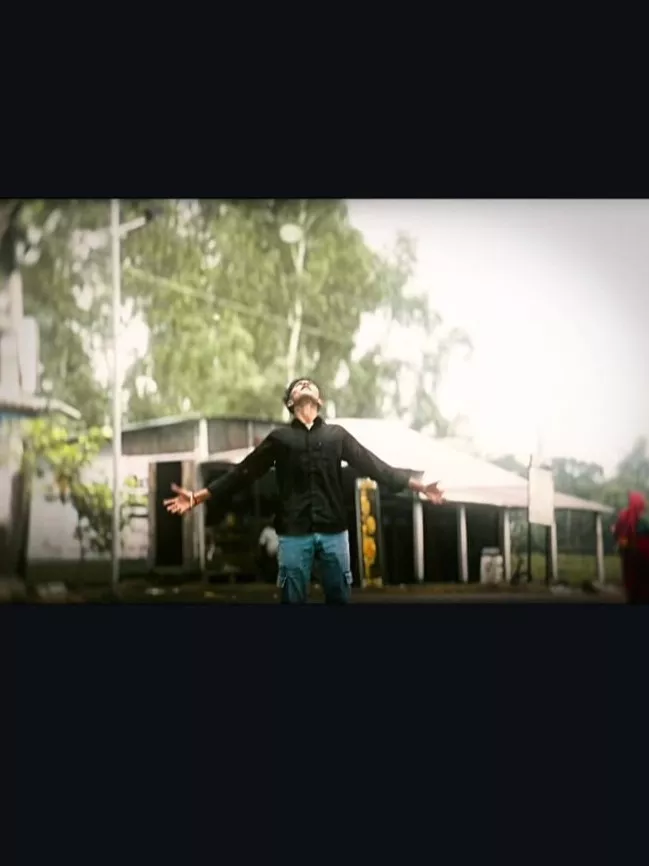
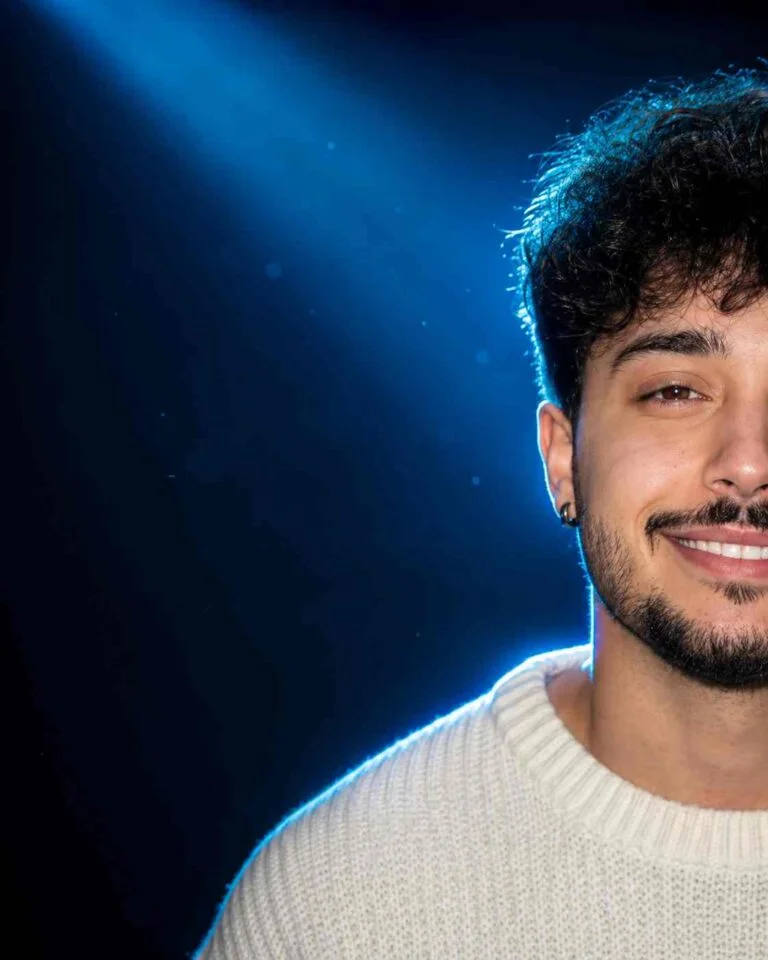
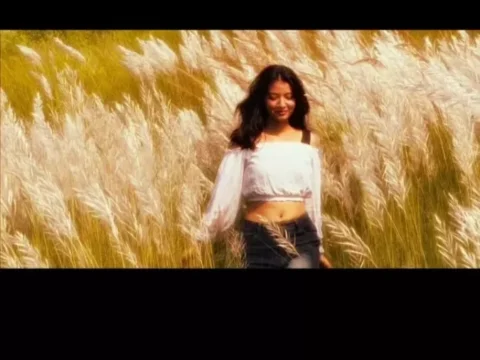
Anime Flashlight AI Photo Editing Prompt 2026: AI photo editing has become one of the most popular ways to create unique and eye-catching pictures for social media. In 2026, creative prompts are helping users turn ordinary photographs into cinematic, artistic, and anime-inspired visuals within a few moments. One of the latest styles attracting attention is the Anime Flashlight AI Photo Editing Prompt 2026.
This editing style combines an anime-inspired appearance with dramatic flashlight illumination. The result can look cinematic, mysterious, and visually attractive while still keeping the main subject recognizable. Whether you want to create an Instagram post, profile picture, wallpaper, or a creative social media image, this trend can give your photo a completely different appearance.
What Is the Anime Flashlight AI Photo Editing Prompt 2026?
The Anime Flashlight AI Photo Editing Prompt 2026 is a text-based instruction that tells an AI image editor how to transform an uploaded photograph. Instead of manually adjusting brightness, shadows, colors, and effects, users can describe the desired appearance through a detailed prompt.
The anime effect generally adds illustrated facial details, smooth shading, expressive eyes, and a stylized visual atmosphere. The flashlight effect introduces a focused source of light that can highlight the face and upper body while creating darker surroundings.
When these two styles are combined, the photograph can have a dramatic anime-cinematic appearance.
Anime Flashlight AI Prompts
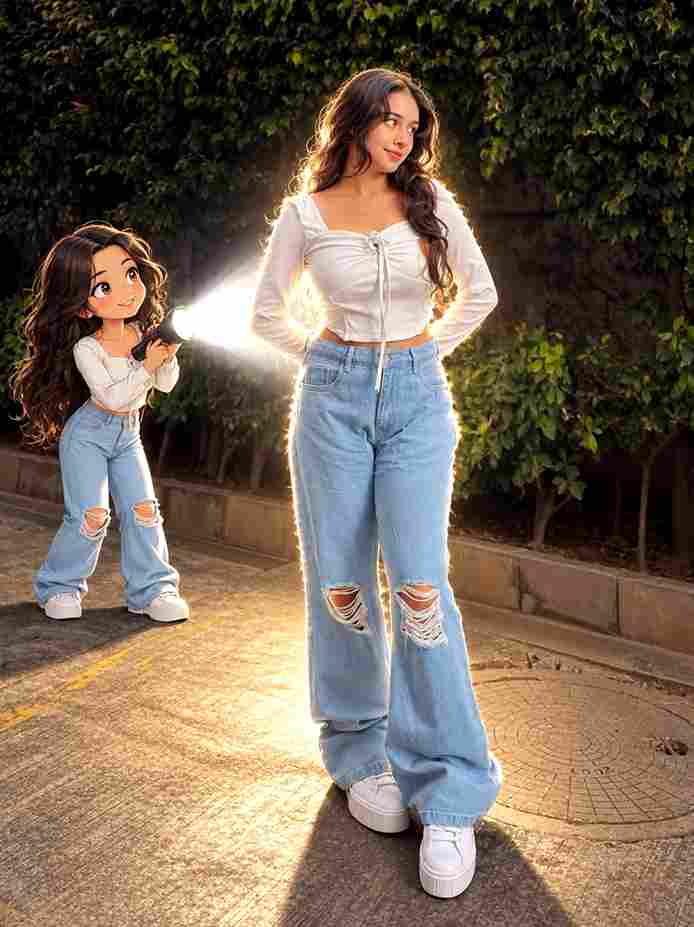
Prompt:
Transform the main subject into a small full-body anime/cartoon version of themselves, matching their hairstyle, outfit, accessories, colors, and recognizable details. Use the reference's clean modern anime aesthetic sharp linework slightly oversized head, compact proportions, cel shading, and expressive details. Position the anime character directly behind the real subject, holding a flashlight aimed forward at their back. Create an intense realistic white beam that fully illuminates the subject from behind, producing bright rim light, glow, and natural shadows. Dim the surrounding outdoor light for dramatic contrast. Preserve the original scene, camera angle, composition, and realism.
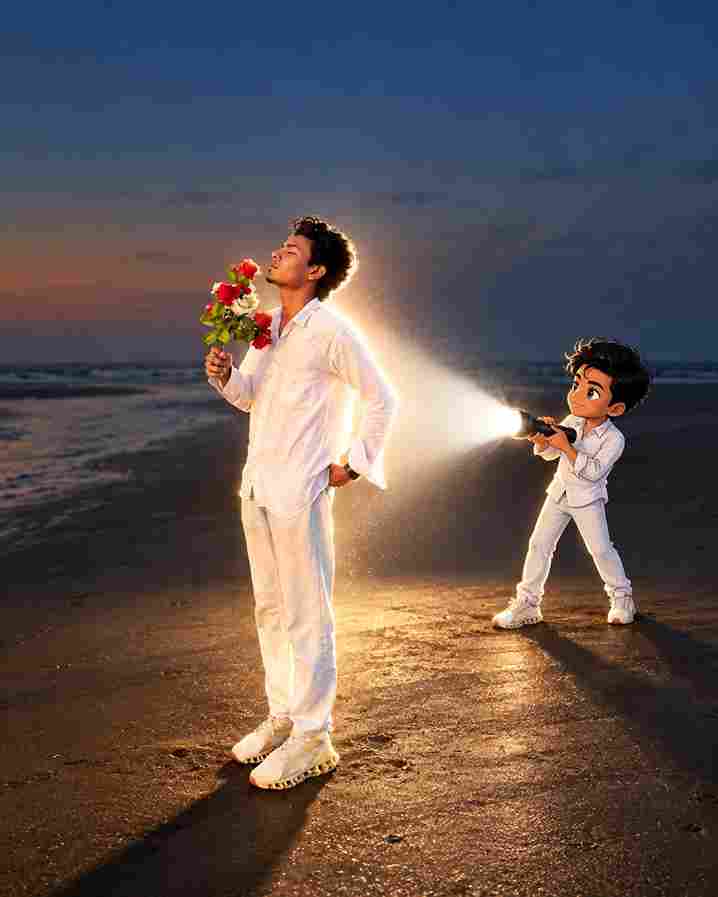
Prompt:
Transform the uploaded photo into a cinematic real-life and anime fusion scene. Keep the main subject completely recognizable, preserving their original face, hairstyle, body proportions, clothing, accessories, pose, and overall appearance. Add a small full-body anime version of the same person standing naturally behind them, wearing the exact same outfit and matching the hairstyle and colors. Give the anime character a polished modern anime design with crisp linework, expressive eyes, subtle cel shading, and slightly exaggerated proportions. The anime character should hold a powerful flashlight directed toward the real subject's back. Create an intense realistic white light beam with strong illumination, soft atmospheric glow, bright edge lighting, realistic shadows, and subtle light particles. Slightly darken the surrounding environment to emphasize the flashlight while maintaining the original sunset/outdoor atmosphere. Preserve the original background, camera perspective, framing, composition, and photographic realism. Make the anime character feel naturally integrated into the environment with accurate contact shadows and lighting interaction. Create a highly detailed, cinematic, realistic-looking final image with a seamless anime-meets-photography effect.
How to Create Anime Flashlight AI Photos
Creating an anime-inspired flashlight image is relatively simple. First, choose a clear photograph with a visible face and good overall composition. A high-resolution image generally gives AI editing tools more information to work with.
Upload your image into an AI photo editing application that supports image-to-image editing or prompt-based transformations. Add the Anime Flashlight AI Photo Editing Prompt 2026 and generate the edited image.
If the first result does not match your expectations, modify the prompt. For example, you can request a stronger flashlight beam, a darker background, softer shadows, brighter facial lighting, or a more detailed anime appearance.
AI Photo Editing Prompt 2026 for Instagram
The AI Photo Editing Prompt 2026 trend is particularly useful for creating social media content. A dramatic flashlight effect can make a simple portrait appear more cinematic and attention-grabbing.
For Instagram, try using a vertical composition and ask the AI to maintain a clear face with strong subject separation. A dark environment combined with a focused light source can create a striking contrast.
You can also experiment with different moods, including mysterious, emotional, futuristic, nighttime, urban, or cinematic anime styles.
Tips for Better Anime AI Photo Editing
For better results with Anime AI Photo Editing, keep your original photograph reasonably sharp and well-framed. Avoid images where the face is heavily covered or extremely blurry.
It is also useful to be specific about lighting. Instead of simply writing “add flashlight,” describe where the light should come from and which parts of the subject should be illuminated.
Another important tip is to avoid adding too many unrelated effects. A focused prompt usually produces a cleaner result. If you want the person’s identity to remain recognizable, explicitly ask the AI to preserve the facial structure and natural appearance.
Why Is the Flashlight Anime Style Popular?
The combination of anime aesthetics and dramatic lighting gives photographs a distinctive visual identity. The flashlight creates a strong focal point, while the anime treatment adds an illustrated and creative appearance.
This makes the style suitable for profile pictures, Instagram posts, YouTube thumbnails, wallpapers, reels, and other social media content.
The trend also gives users an easy way to experiment with different visual concepts without requiring advanced photo-editing skills.
Anime Flashlight AI Photo Editing Prompt Ideas
You can customize the main prompt with different concepts. For example, try a rainy nighttime street, a dark bedroom, a neon-lit city, an abandoned location, or a cinematic outdoor scene.
You can also change the lighting direction. A flashlight coming from the front creates a direct portrait effect, while side lighting can produce stronger shadows and a more dramatic appearance.
For a softer result, ask for diffused flashlight illumination and gentle shadows. For a more intense image, request high contrast, deep shadows, and a concentrated beam of light.
Final Words
The Anime Flashlight AI Photo Editing Prompt 2026 is an interesting way to experiment with modern AI image creation. By combining anime-inspired details with focused flashlight illumination, you can turn an ordinary portrait into a dramatic and creative visual.
The key to getting better results is using a clear photograph and writing a specific prompt. Experiment with different backgrounds, lighting directions, moods, and compositions to develop your own unique style. With the right combination of instructions, even a simple photograph can become a striking anime-inspired creation.