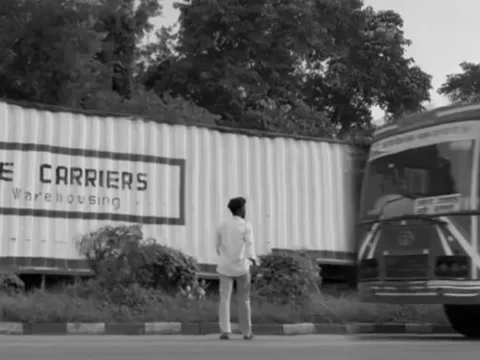
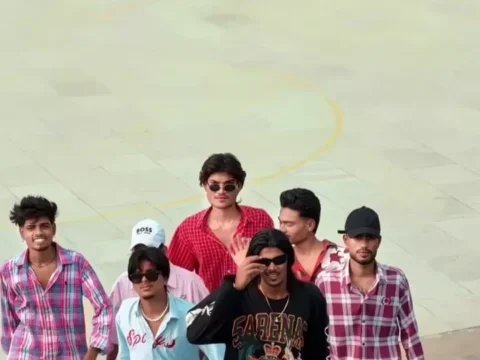
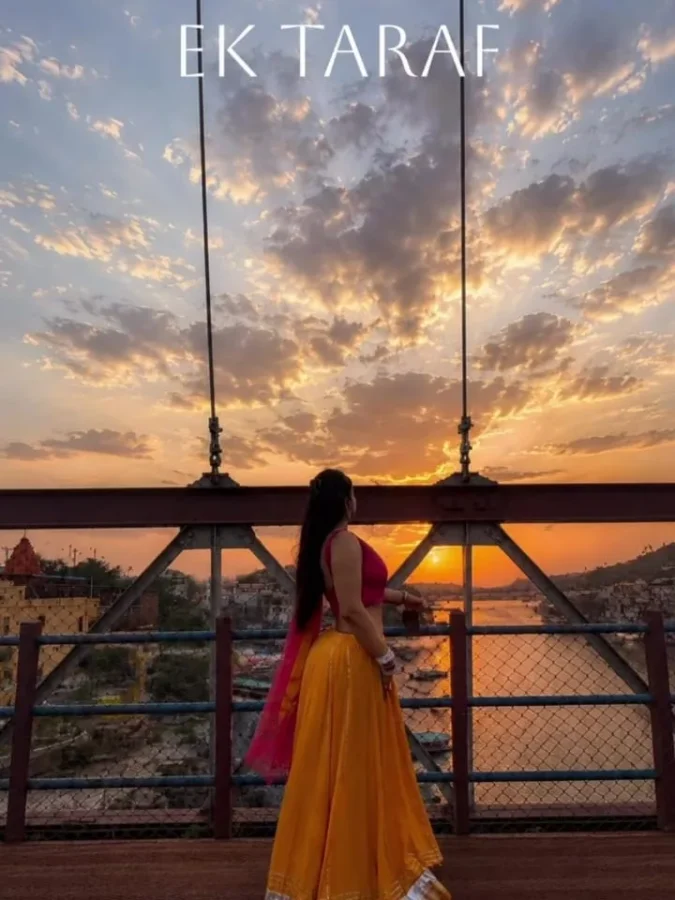
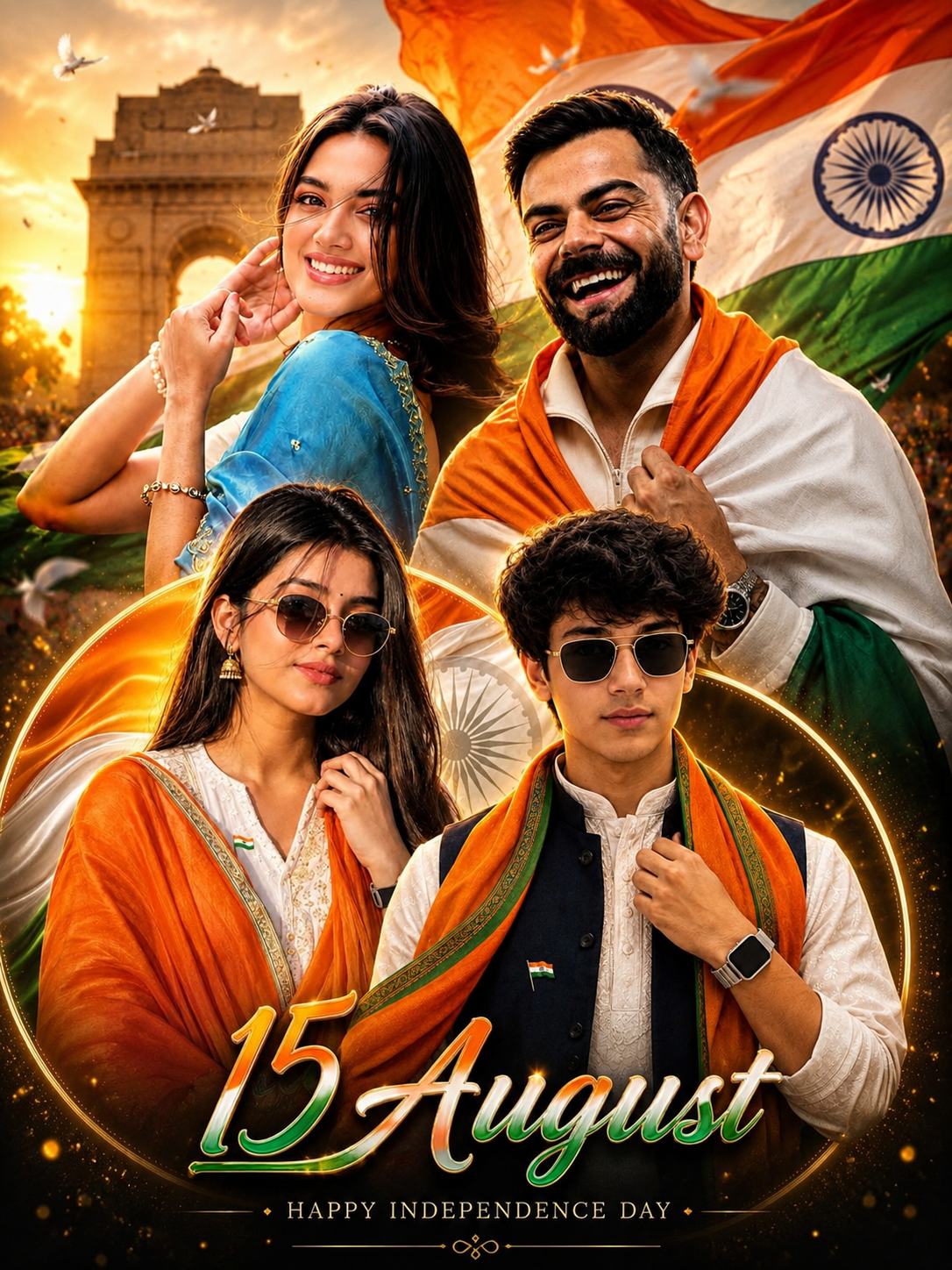
Golden hour has always been the favorite time of day for photographers. The soft sunlight, warm colors, and natural glow can make almost any portrait look beautiful. Today, you no longer have to wait for sunrise or sunset to achieve that effect. With the help of AI image generators and a well-written Golden Hour Portrait AI Photo Editing Prompt, you can recreate the same magical lighting in just a few seconds.
As AI technology continues to improve in 2026, creating professional-looking portraits has become easier than ever. Whether you are using ChatGPT, Gemini, Flux, Midjourney, or another AI platform, the right prompt can transform an ordinary selfie into an eye-catching portrait with realistic lighting and cinematic depth.
What Is a Golden Hour Portrait AI Photo Editing Prompt?
A Golden Hour Portrait AI Photo Editing Prompt is a detailed instruction designed for AI image generators. It tells the AI exactly how to edit or generate an image with the warm lighting typically seen during the golden hour.
Instead of relying on perfect outdoor conditions, the AI recreates the atmosphere digitally. The result often includes soft sunlight, rich golden tones, smooth skin textures, and natural shadows that closely resemble a professionally captured DSLR photograph.
Because the AI follows specific instructions, even a simple mobile photo can be converted into a premium-quality portrait within moments.
Why Is This AI Prompt So Popular?
The popularity of golden hour AI prompts continues to grow because they deliver impressive results with very little effort.
People love using these prompts because they can:
- Create realistic sunset lighting instantly.
- Improve social media profile pictures.
- Produce cinematic portraits without expensive cameras.
- Save both time and photography costs.
- Generate high-quality content for personal branding.
Modern AI models have become incredibly accurate at understanding lighting, colors, and facial details. As a result, the finished images often look natural rather than heavily edited.
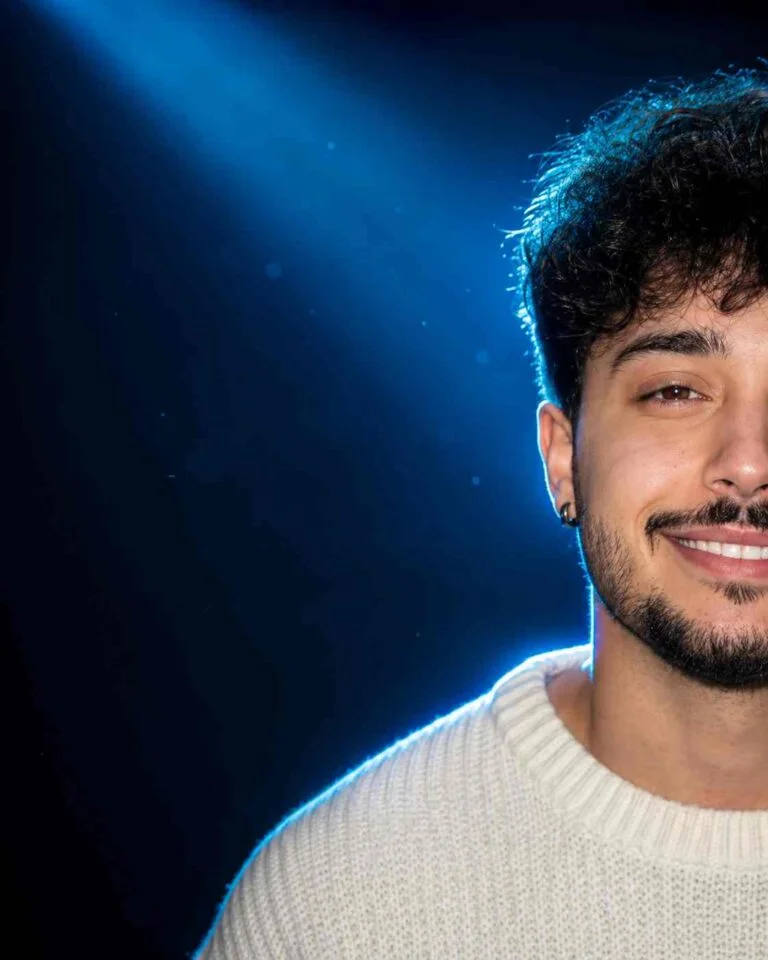
Use the uploaded reference image ONLY for facial identity.

STRICT IDENTITY LOCK:
Preserve the person's exact face, facial proportions, hairstyle, beard, eyebrows, eyes, nose, lips, skin tone, expression, and natural identity with zero changes.

Create an ultra-realistic luxury cinematic studio portrait.

Composition:
Only the right half of the face is visible, approximately 50% cropped. The subject is positioned on the extreme right side of the frame with large negative space on the left. Looking directly into the camera with a genuine natural smile showing teeth.

Lighting:
Professional soft beauty key light from front-right. Strong electric blue rim light behind the head and shoulders. Blue backlight illuminating the hair edges. Soft blue spotlight from the upper-left creating cinematic atmosphere. Deep shadows with dramatic contrast.

Background:
Dark navy blue to black gradient background with subtle volumetric blue light, light haze, minimal blue particles, premium studio environment.

Camera:
Canon EOS R5, RF 85mm f/1.8 portrait lens, f/1.8, ISO 100, shallow depth of field, HDR, ultra-sharp eyes, realistic skin pores, detailed hair strands, premium editorial photography.

Color grading:
Deep blacks, cool blue highlights, natural warm skin tones, luxury magazine cover quality, ultra realistic, 8K, photorealistic.
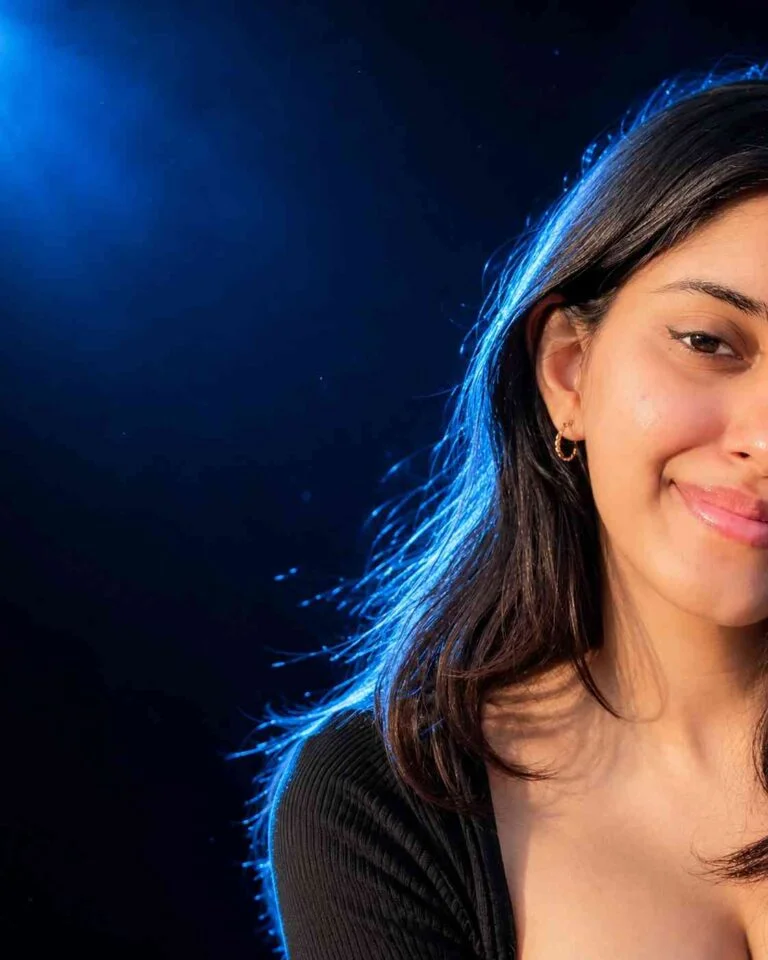
Use the uploaded reference image ONLY for facial identity.

STRICT IDENTITY LOCK:
Preserve the person's exact face, facial proportions, hairstyle, eyebrows, eyes, nose, lips, skin tone, expression, and natural identity without altering facial features.

Create an ultra-realistic luxury cinematic beauty portrait.

Composition:
Only the right half of the face is visible, approximately 50% cropped. Subject positioned on the far right side with large negative space on the left. Looking directly into the camera with a soft natural smile.

Hair:
Voluminous silky hair with blue rim lighting outlining the hair beautifully.

Lighting:
Professional soft beauty key light from front-right. Bright electric blue rim light around the hair and shoulders. Blue spotlight from upper-left producing cinematic glow and depth.

Background:
Dark navy blue cinematic studio background with subtle fog, blue volumetric light, premium luxury atmosphere.

Camera:
Canon EOS R5, 85mm portrait lens, f/1.8, ISO 100, shallow depth of field, ultra-sharp eyes, realistic skin texture, natural makeup, glossy lips, editorial beauty photography.

Color grading:
Cool blue cinematic tones, high contrast, deep blacks, realistic skin color, Vogue magazine quality, ultra realistic, HDR, 8K.
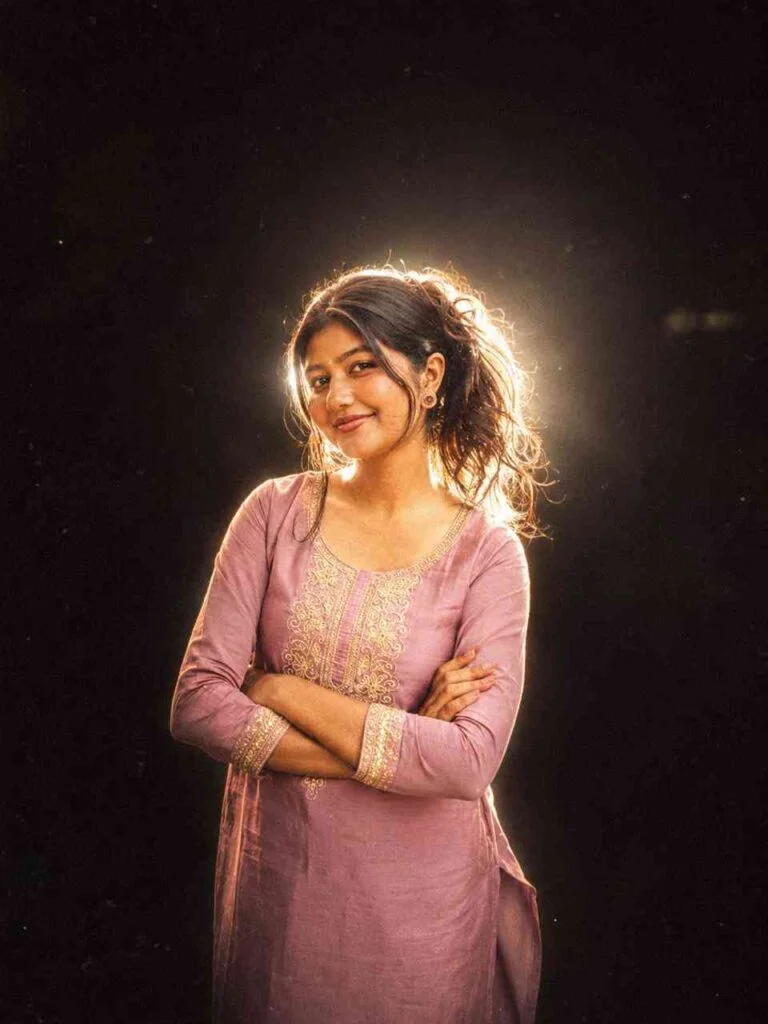
Add dramatic flash glow effect, dark black background, cinematic low light, strong backlighting around subject, glowing edges, soft bloom light, vintage camera flash look, high contrast shadows, moody aesthetic, film grain texture, warm golden highlights, dreamy blur, Y2K flash photography style, realistic skin texture, overexposed flash lighting, soft haze, night shoot vibe, Instagram restyle aesthetic, detailed shadows and glow.
Negative Prompt
Add this negative prompt to avoid unwanted distortions or artifacts.
blurry face, extra fingers, distorted eyes, plastic skin, overexposed highlights, unnatural lighting, cartoonish, low resolution, watermark, text, oversaturated colors, harsh shadows, deformed features, unrealistic proportions
Features of a High-Quality Golden Hour Prompt
A well-crafted prompt usually instructs the AI to include several important visual elements, such as:
- Warm orange and golden lighting
- Soft sunlight falling naturally on the face
- Balanced skin tones
- DSLR-style background blur
- High-resolution image quality
- Realistic facial details
- Cinematic color grading
- Natural outdoor atmosphere
These elements work together to produce portraits that appear authentic instead of artificial.
How to Use the Prompt
Using a Golden Hour Portrait AI Photo Editing Prompt is simple, even if you are new to AI image generation.
Follow these easy steps:
- Open your preferred AI image generator.
- Upload a clear photo if the platform supports image editing.
- Copy and paste the complete prompt.
- Add a negative prompt to reduce unwanted artifacts.
- Generate multiple versions.
- Select the best result or slightly modify the prompt for a personalized look.
Many users experiment with different wording to achieve unique lighting styles while maintaining realistic results.
Tips for Better AI Portraits
A few small adjustments can significantly improve your final image.
- Upload a high-resolution photo.
- Use images with good facial visibility.
- Avoid heavily filtered source images.
- Describe clothing and hairstyle if necessary.
- Include lighting direction in the prompt.
- Use a negative prompt to prevent distortions.
- Generate several versions before choosing the final image.
These simple practices help AI models create cleaner and more realistic portraits.
Best AI Tools for Golden Hour Portraits
Several AI platforms support advanced portrait generation in 2026.
ChatGPT Image Generation offers excellent prompt understanding and natural-looking edits.
Gemini produces realistic facial textures and balanced lighting.
Flux AI is known for sharp details and cinematic color grading.
Midjourney creates highly artistic portraits with impressive visual depth.
Each platform has its own strengths, so experimenting with multiple tools can help you find the style that best matches your preferences.
Why Choose Sonu Editor?
Finding prompts that consistently deliver great results can be challenging. Many prompts available online are either outdated or poorly optimized for newer AI models.
Sonu Editor provides carefully tested AI photo editing prompts that are designed to work across multiple image generation platforms. Instead of spending time writing your own instructions, you can use professionally refined prompts that generate realistic portraits with minimal adjustments.
Whether you are a content creator, influencer, student, or photography enthusiast, Sonu Editor offers practical prompt resources that make AI photo editing easier and more reliable.
Conclusion
The Golden Hour Portrait AI Photo Editing Prompt has become one of the most popular AI photography trends of 2026 because it makes professional-looking portraits accessible to everyone. Instead of waiting for perfect natural lighting or investing in expensive camera equipment, you can achieve stunning golden-hour effects using AI in just a few clicks.
Whether you prefer ChatGPT, Gemini, Flux, or Midjourney, a well-written prompt can dramatically improve your portrait quality. If you are looking for reliable and regularly updated AI prompts, Sonu Editor is a useful resource that helps users create beautiful, realistic, and cinematic portraits with ease.
Frequently Asked Questions
What is a Golden Hour Portrait AI Photo Editing Prompt?
It is a text instruction used by AI image generators to create portraits with warm sunset lighting, soft shadows, and a cinematic appearance.
Which AI platform gives the best results?
Gemini, Flux, ChatGPT, and Midjourney all produce excellent golden hour portraits. The final quality depends on your prompt and the reference image.
Can I use a mobile phone photo?
Yes. A clear smartphone photo is usually enough for AI tools to generate professional-looking results.
Do I need photography experience?
No. AI handles the editing process automatically after receiving the proper prompt.
Are these prompts free?
Most prompts are free to use, although some AI platforms require paid credits or subscriptions for image generation.